3D pottery you can spin, paint and fire
Real 3-D ceramics in your hand. Every pot is a hand-sculpted 3-D model you can rotate a full 360°, set spinning at your own speed, and paint from any angle - then fire it and watch the light change across the glaze. A hundred shapes, free.
100 free 3D shapes · Full 360° rotation · No account needed
Drag to rotate
Modelled in 3D, down to the curve
These aren't flat templates with a colour fill. Each piece is a true 3-D model built at real studio proportions - a Nordic carafe's shoulder, the lip of a classic teacup, the taper on an obelisk vase. Drag to rotate, pinch to zoom, and set the wheel speed to spin it slowly while you work. Paint wraps the geometry the way glaze wraps a real pot, which means the back of your piece matters as much as the front.
Full 360° rotation
Drag to spin, pinch to zoom, paint from any angle.
Wheel speed control
Set it turning as fast or as slow as you like.
Light-reactive finishes
Glossy catches highlights; matte stays velvety and raw.
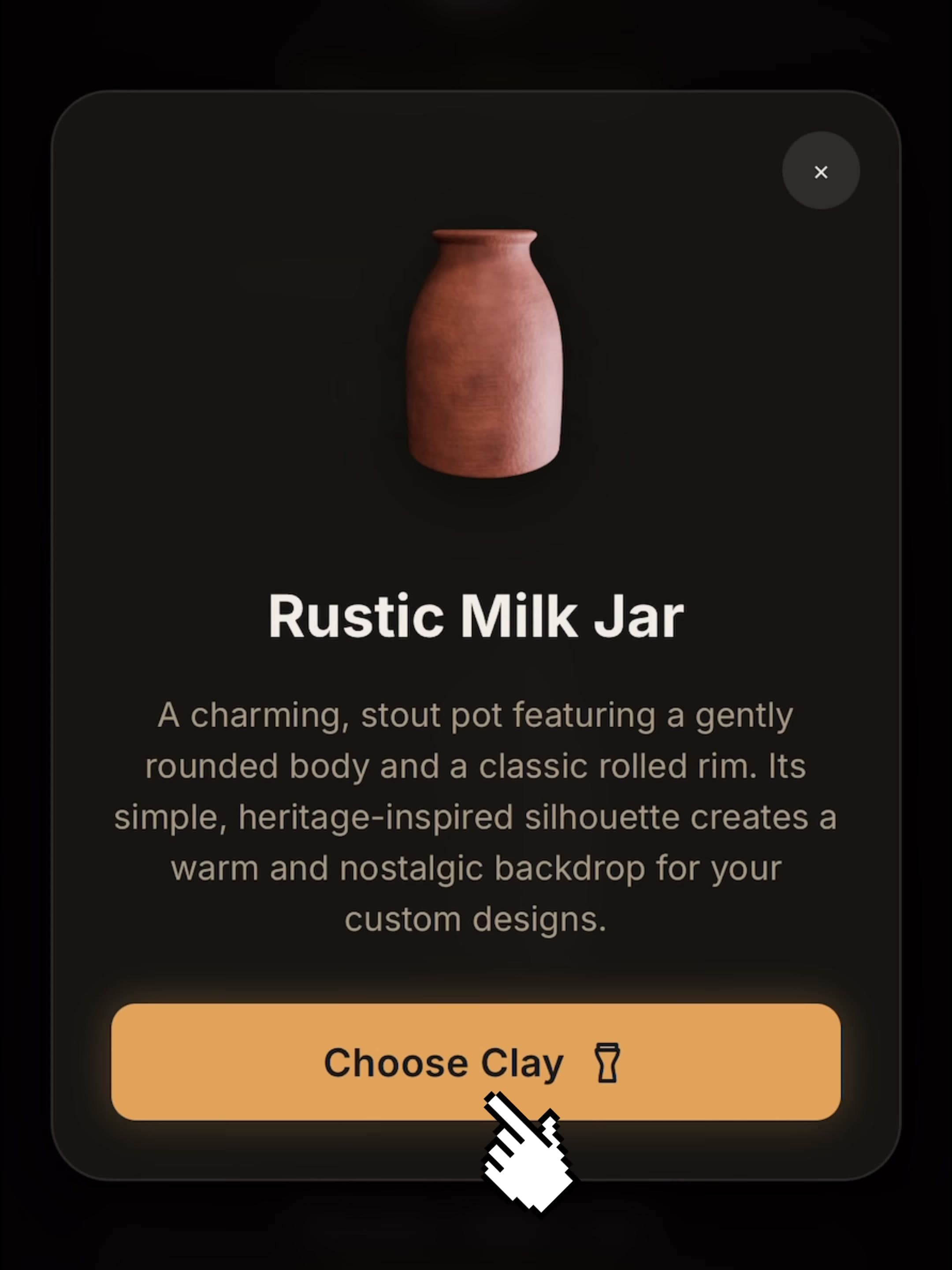
A hundred 3D shapes, nine clay bodies
Start with a shape - studio bottles, carafes, milk jars, mugs, teacups, saucers, bud vases, pinch pots and more, all free. Then choose the clay it's made from: porcelain, buff, terracotta, stoneware, chocolate, sage, sandy, obsidian or natural. The clay body isn't a colour swap - it's the material underneath, and it changes how your glaze reads once the kiln has done its work.
Paint on a surface that curves away from you
Four brushes - round, soft, flat and bristle - driven by a Smart Brush engine that responds to your speed: move quickly for thin, sweeping strokes, slow down and the paint pools thick. On iPad, Apple Pencil pressure is fully supported.
Place decals anywhere on the curved surface, scale and rotate them in place, and decide whether they sink into the clay as underglaze or sit vivid and glossy on top as overglaze.
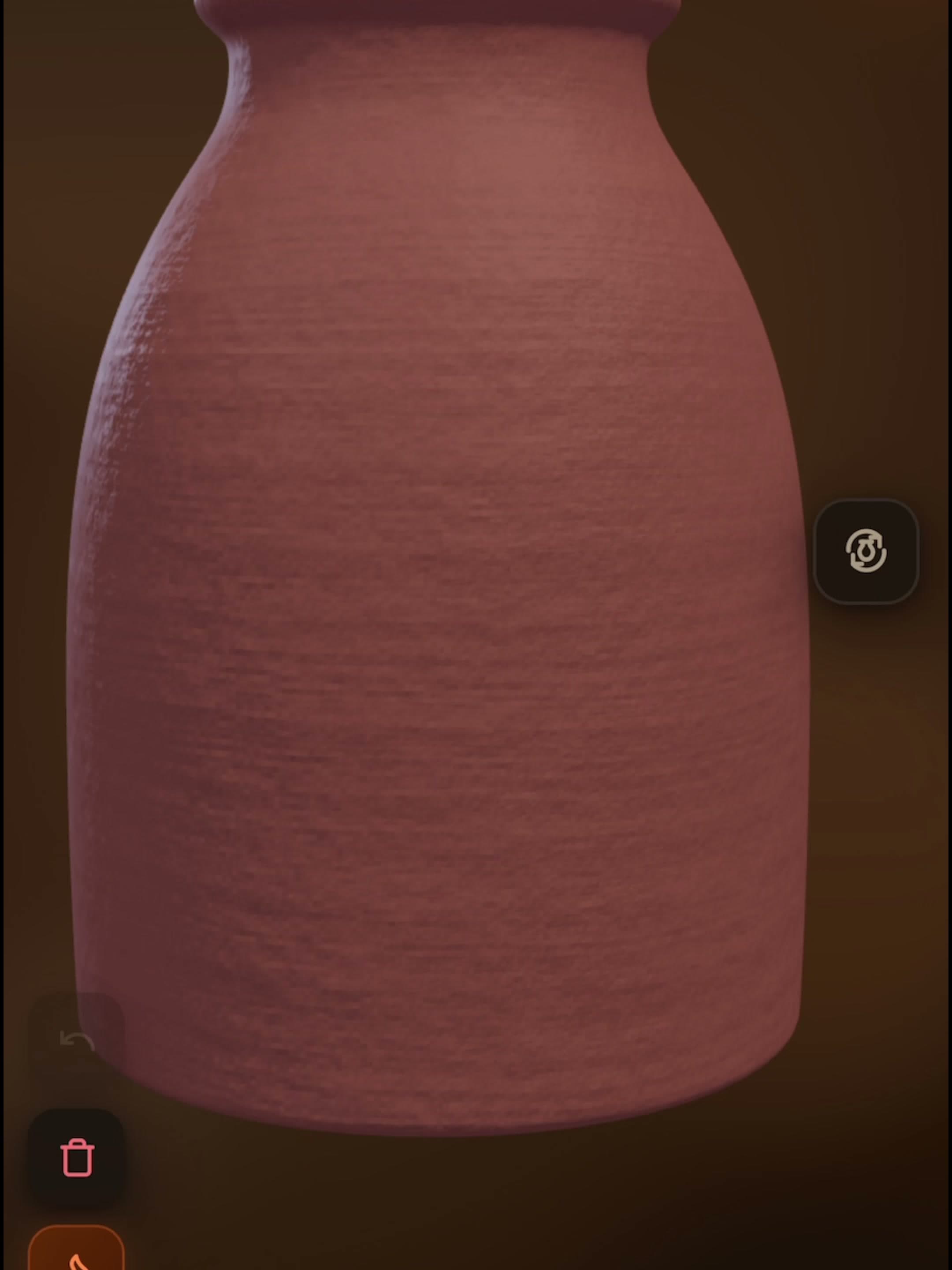
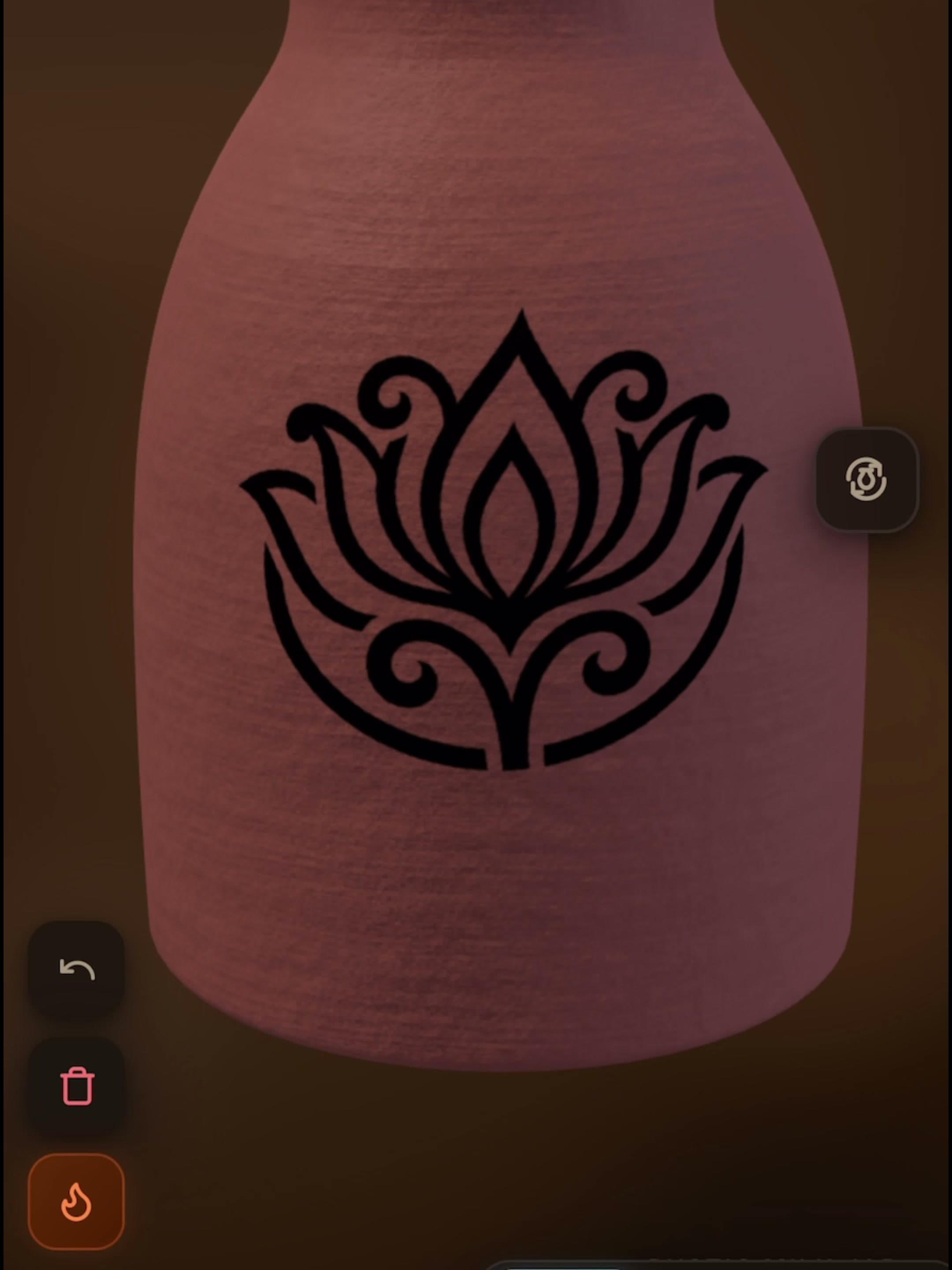
Then send it to the kiln
When the piece is ready, fire it. An immersive firing animation plays while the heat does its work, and the surface physically changes how it reacts to light - glossy for a jewel-bright, reflective finish, matte for something velvety and earthy. Your fired pieces are saved to My Creations, where you can spin each one under the light and share it.
A browser version is on the way
We're building a version of the 3-D studio you'll be able to open right here, no install needed. It isn't ready yet - for now, the full studio lives in the app, free on iOS and Android, and everything you make there is yours to keep.
Get the app free while you waitFrequently Asked Questions
Can I make 3D pottery for free?
Yes - 100 3-D shapes, nine clay bodies and every brush are free in Glaze Master, ad-supported. Pro removes the ads and adds exclusive shapes and decals.
Can I play 3D pottery online in a browser?
Not yet. A browser version is in development; today the full 3-D studio runs in the free app on iOS and Android.
Are the pots really 3D?
Yes - every piece is a 3-D model you can rotate 360°, zoom into and paint from any angle.
Can I export a 3D model?
No. Glaze Master is a painting and firing studio, not a modelling tool - you keep your fired pieces in the in-app gallery and can share images of them.
What devices does it run on?
iPhone, iPad (Apple Pencil supported), Android, Mac with Apple silicon, and Apple Vision.
Your kiln is waiting
Download Glaze Master free and fire your first piece in the next five minutes.
Free · 100 pot shapes · No account needed